

On this page 3 topics
How the processes fit together
Clean data. A clear migration process.
A system migration starts with reliable data. We determine which products, customers and business documents can be migrated, prepare export files and verify the results before the production switchover.
- 01Collect source data
- 02Run a test import
- 03Validate the results
Planning overview · the specific workflow will be tailored to your project.
Planning & Source Data
01
Data Migration with a Clear Plan
Moving from an existing inventory management or shop system to JTL starts with an assessment of your current setup. Before importing, we establish which data is available, how it can be exported and which mappings are required.
- 01Import
- 02Export
Schematic overview of this section · not a software screenshot or an indication of the direction of a technical connection.
02
Preparing Products, Customers & Business Documents
Product numbers, variants, categories and customer master data require consistent fields and unique identifiers. Business documents, open orders and stock levels are reviewed separately. Not every source system provides the same data or export options.
03
Source Data & Export Options
Als mögliche Ausgangssysteme kommen unter anderem Afterbuy, CAO-Faktura, VirtueMart, osCommerce, XTC, OXID, Mondo Shop, Sage, ePages, WISO, Lexware, Xonic, SmartStore, Shopify, WooCommerce, Magento und plentymarkets in Frage. Welche Daten sich vollständig übernehmen lassen, hängt vom jeweiligen System ab: Wir prüfen Systemversion, Exportformat und den gewünschten Datenumfang für Ihr Projekt.
- 01Export
Schematic overview of this section · not a software screenshot or an indication of the direction of a technical connection.
Test Import & Validation
04
Test Import & Reconciliation
Before the live switchover, a suitable dataset is imported as a test. Quantities, field mappings, variants and duplicates are checked. The results are compared with the source data so that errors are identified before day-to-day operations begin.
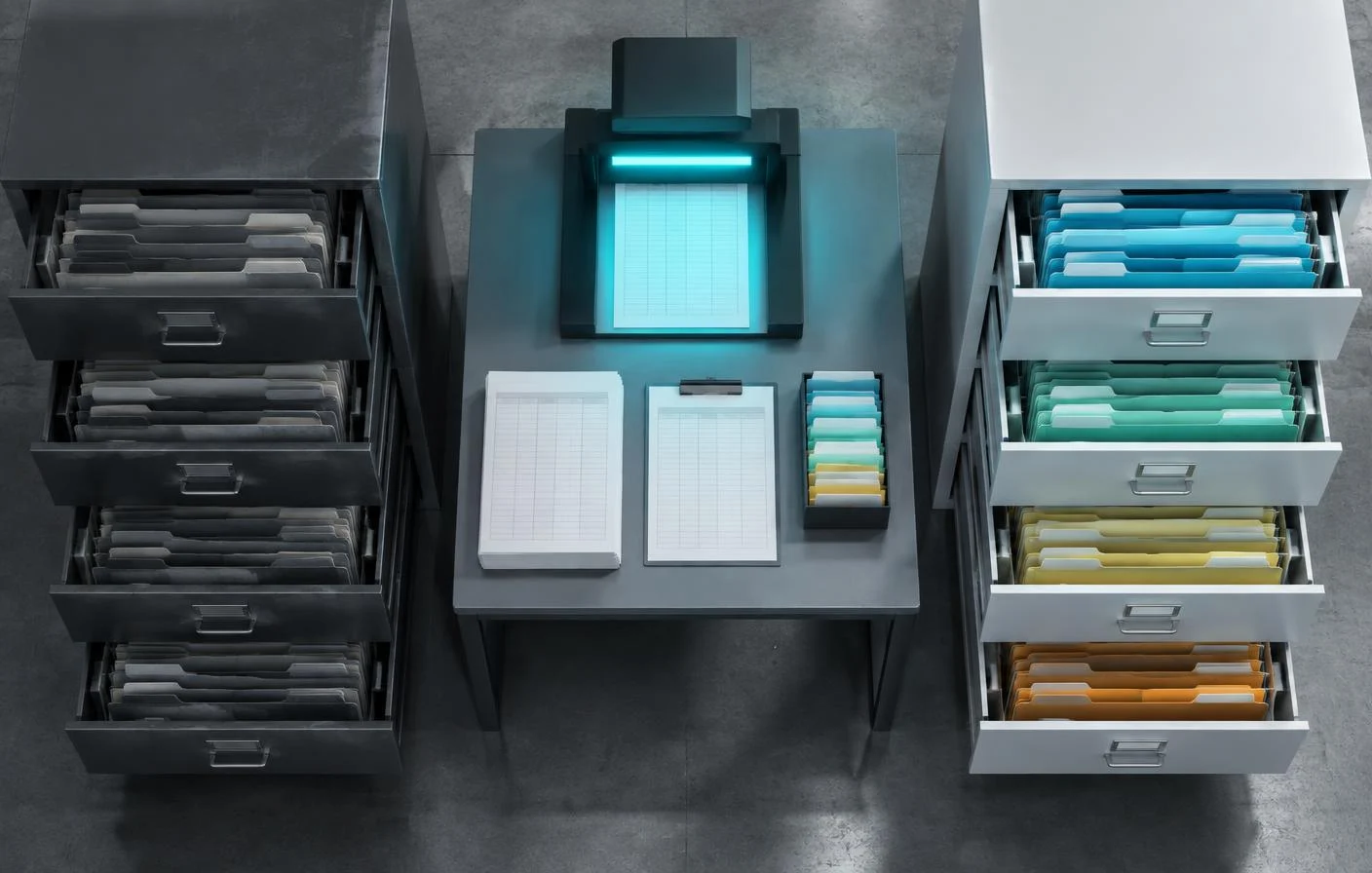
Go-Live Transition
05
The Live Switchover
For the switchover, we define the cutover date, responsibilities and how outstanding transactions will be handled. Preparation includes a backup and a clearly documented rollback plan. Even if your source system is not listed, we can discuss the available options.
- 01Backup
Schematic overview of this section · not a software screenshot or an indication of the direction of a technical connection.
Before implementation
What matters for your project.
- Check data quality and available export formats
- Handle field mapping and duplicates
- Define the cutover date, rollback plan and handling of open orders
Features and terms depend on the version, edition and extensions used.
Your next step
