
wawiHEROES · JTL services
JTL WMS
How the processes fit together
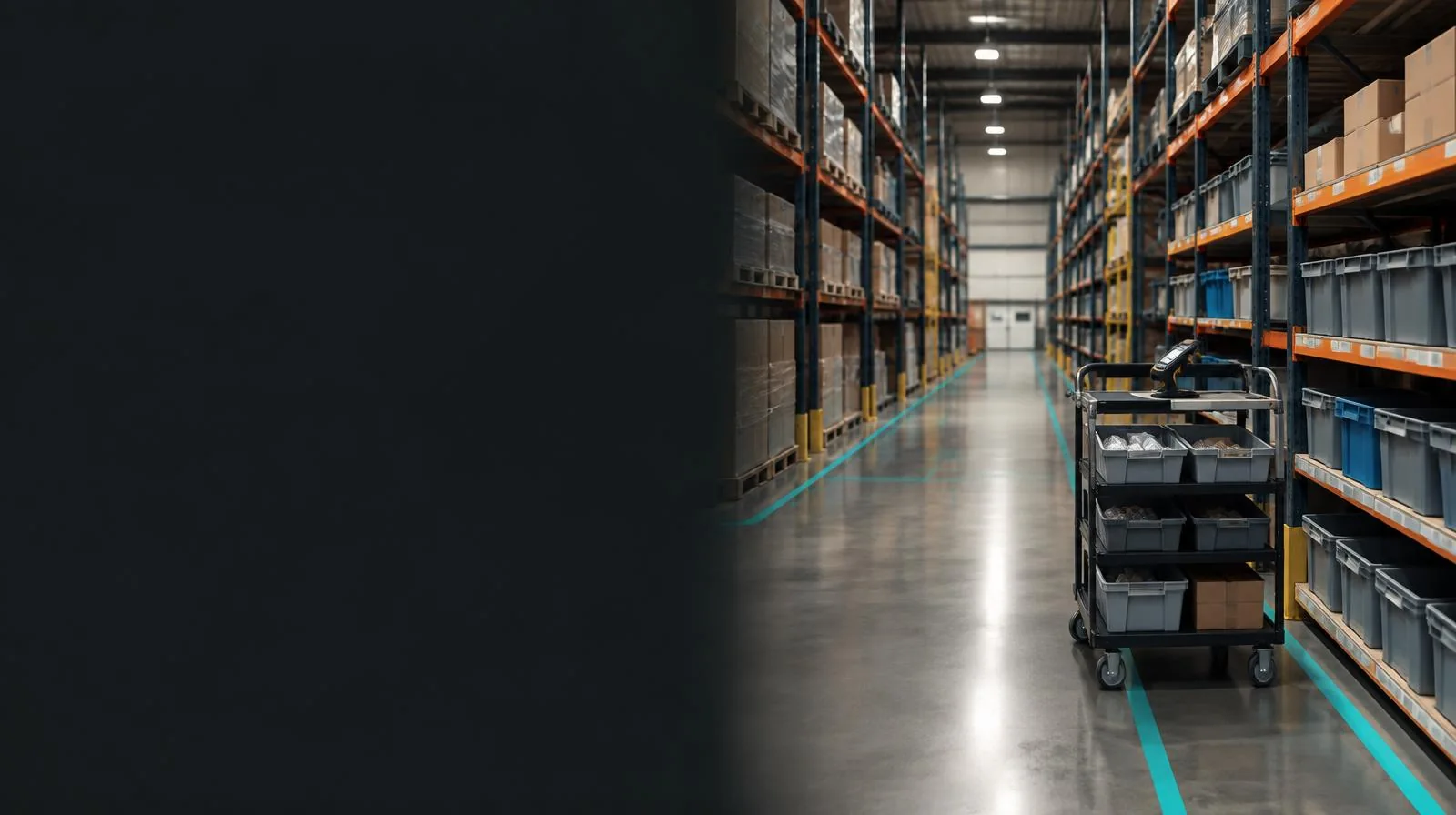
Keep goods moving instead of searching for them.
JTL-WMS supports workflows from goods receipt through to delivery. We assess storage locations, picking routes, scanners and shipping methods together so that the software fits your physical warehouse.
- 01Put goods into storage
- 02Pick orders
- 03Finalize shipments
Planning overview · the specific workflow will be tailored to your project.
Overview & Benefits
01
Warehouse & Shipping
- EAN
- ISBN
- UPC
PROFESSIONAL WAREHOUSE MANAGEMENT
JTL-WMS is warehouse management software that supports every process within your warehouse and was developed specifically for the mail-order retail sector.
It supports all warehouse processes, including goods receipt, goods dispatch, order picking, pick list creation, stocktaking and inventory adjustments. Working hand in hand with the free JTL-Wawi inventory management software, it provides the perfect all-in-one solution for professional mail-order retail.
The JTL-WMS warehouse management system, which is free for one user, consists of two applications: one for your desktop computers and one for your mobile devices.
A barcode scanner uniquely identifies your products by EAN, item number, ISBN or UPC, making incorrect inventory postings a thing of the past.
All your employees work in the system simultaneously, using a shared dataset from the free JTL-Wawi inventory management software. See exactly which products are stored in each warehouse location, and in what quantities, directly in your inventory management system!

Warehouse & Shipping
02
eazyShipping
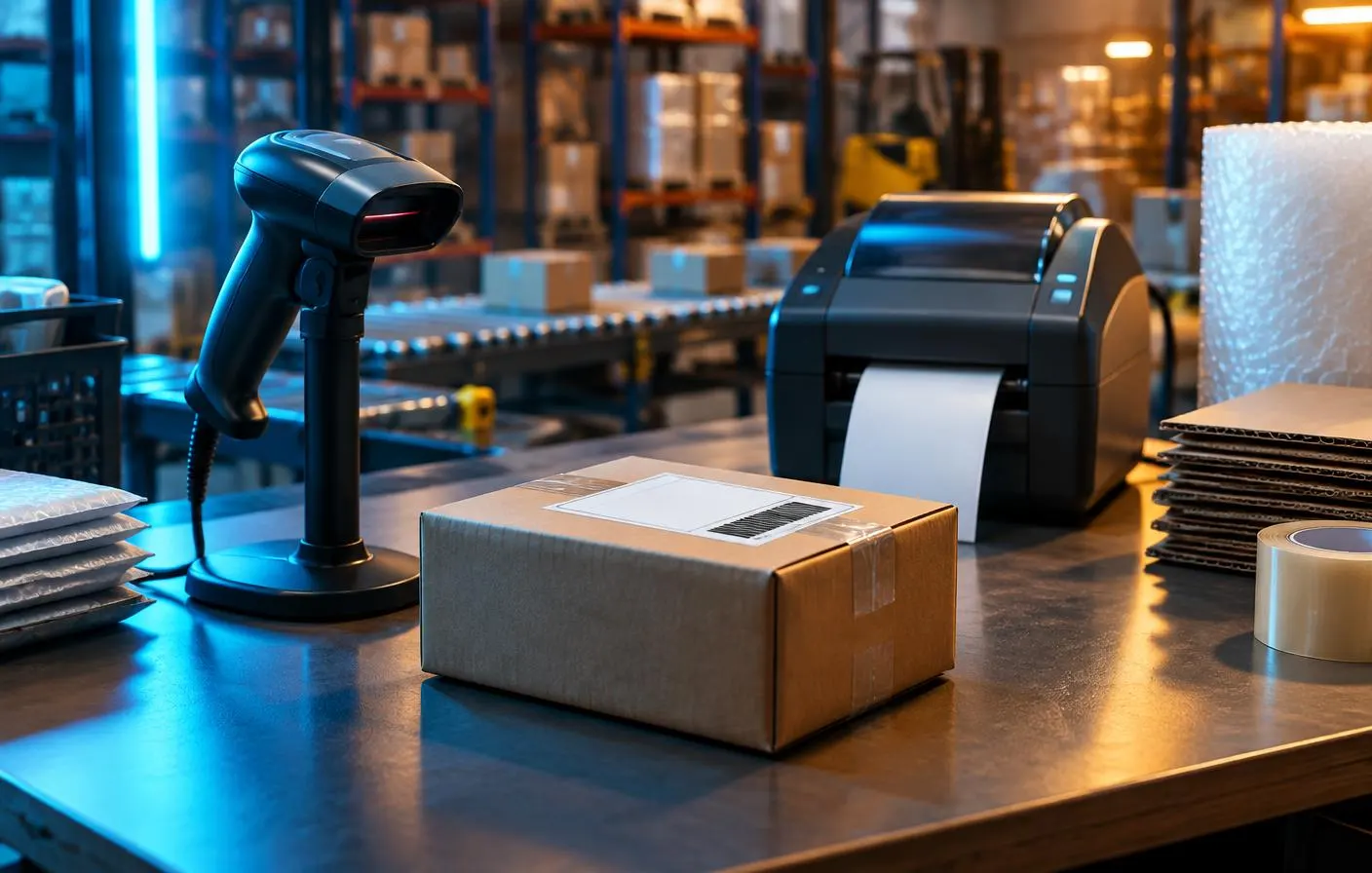
A single scan triggers the entire shipping process. Particularly suitable for orders containing one or just a few items.
03
Shipping boxes
Each order is pre-picked into shipping boxes, separating picking from shipping.
- 01Order picking
- 02Shipping boxes
- 03Shipping
Schematic overview of this section · not a software screenshot.
04
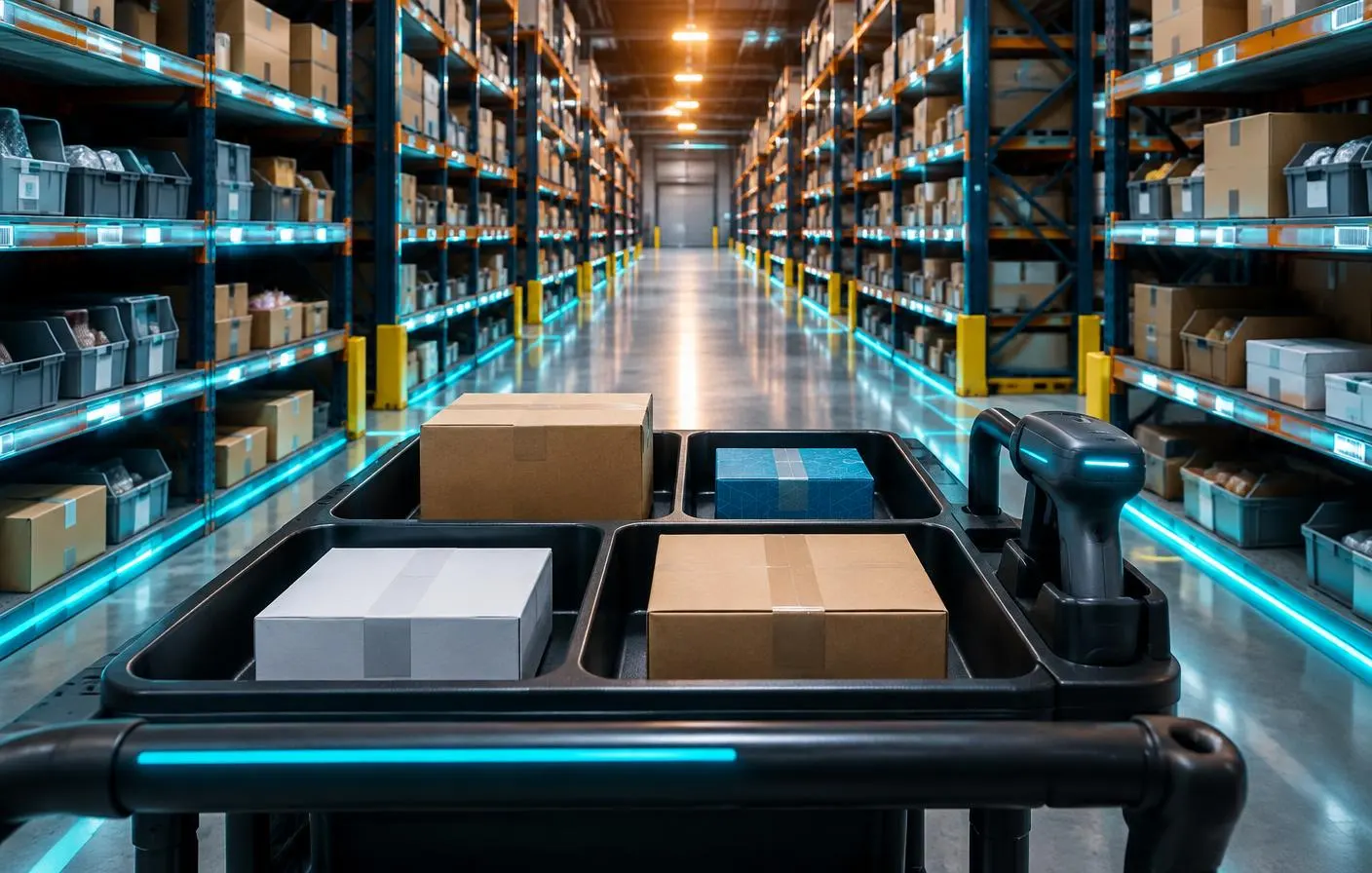
Trolley-based order picking
Pick your goods directly into the boxes on the picking trolley.
Each box contains one order ready for shipping.
Before implementation
What matters for your project.
- Document the warehouse structure and product characteristics
- Select the right shipping process
- Review devices, users and edition
Features and terms depend on the version, edition and extensions used.
Your next step
